Since 2009

The best planner for students.

If #school, #college or #uni means studying for you, this is your app. Classes, homework, exams and grades in one place, always one step ahead of your day. One app for iPhone, iPad, Mac and Apple Watch.

Download on the App Store
Since 2009helping students through every semester
One appfor iPhone, iPad, Mac and Apple Watch
30+ languagesfrom English and Spanish to Japanese and Arabic
No adsand no tracking
Features

A mature interface, and everything a student needs.

Set up your semester once. iStudiez Pro builds your schedule, reminds you before classes and deadlines, and keeps your grades and GPA up to date.

Overview

Catch up with your day.

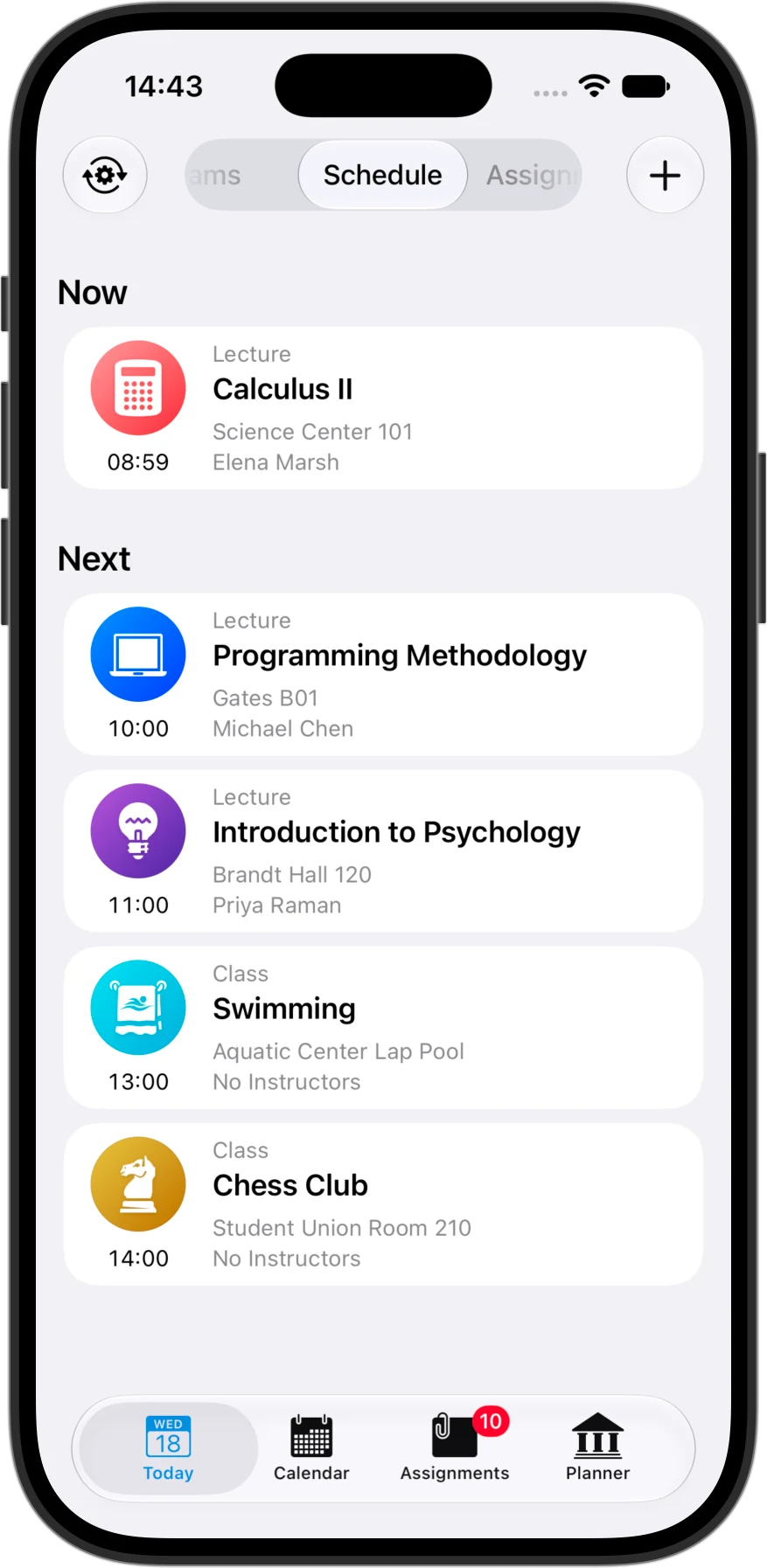
So organized and easy. The Today view works in real time: it shows what’s happening now and what’s next, with a countdown to the end of the class.

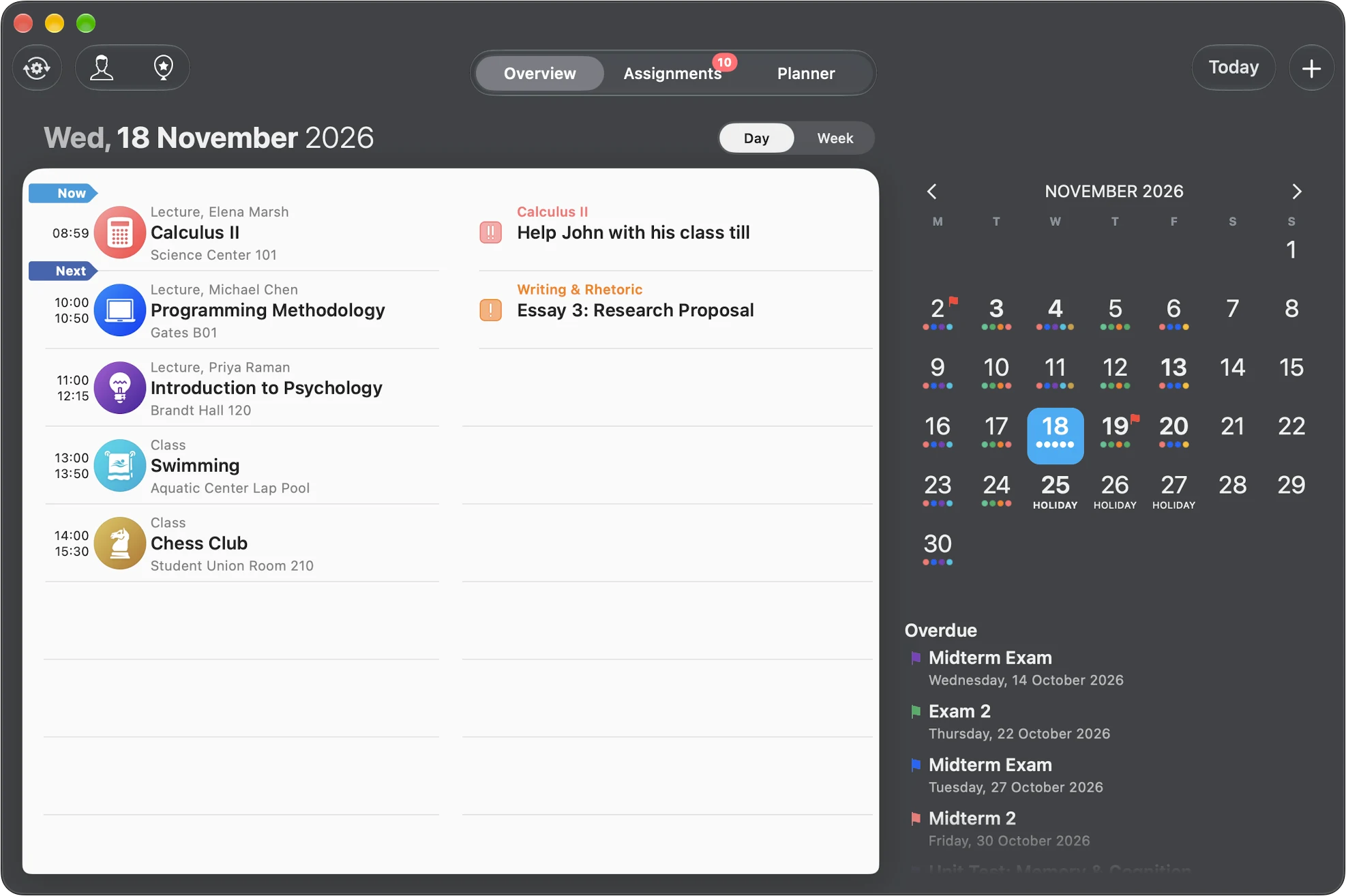
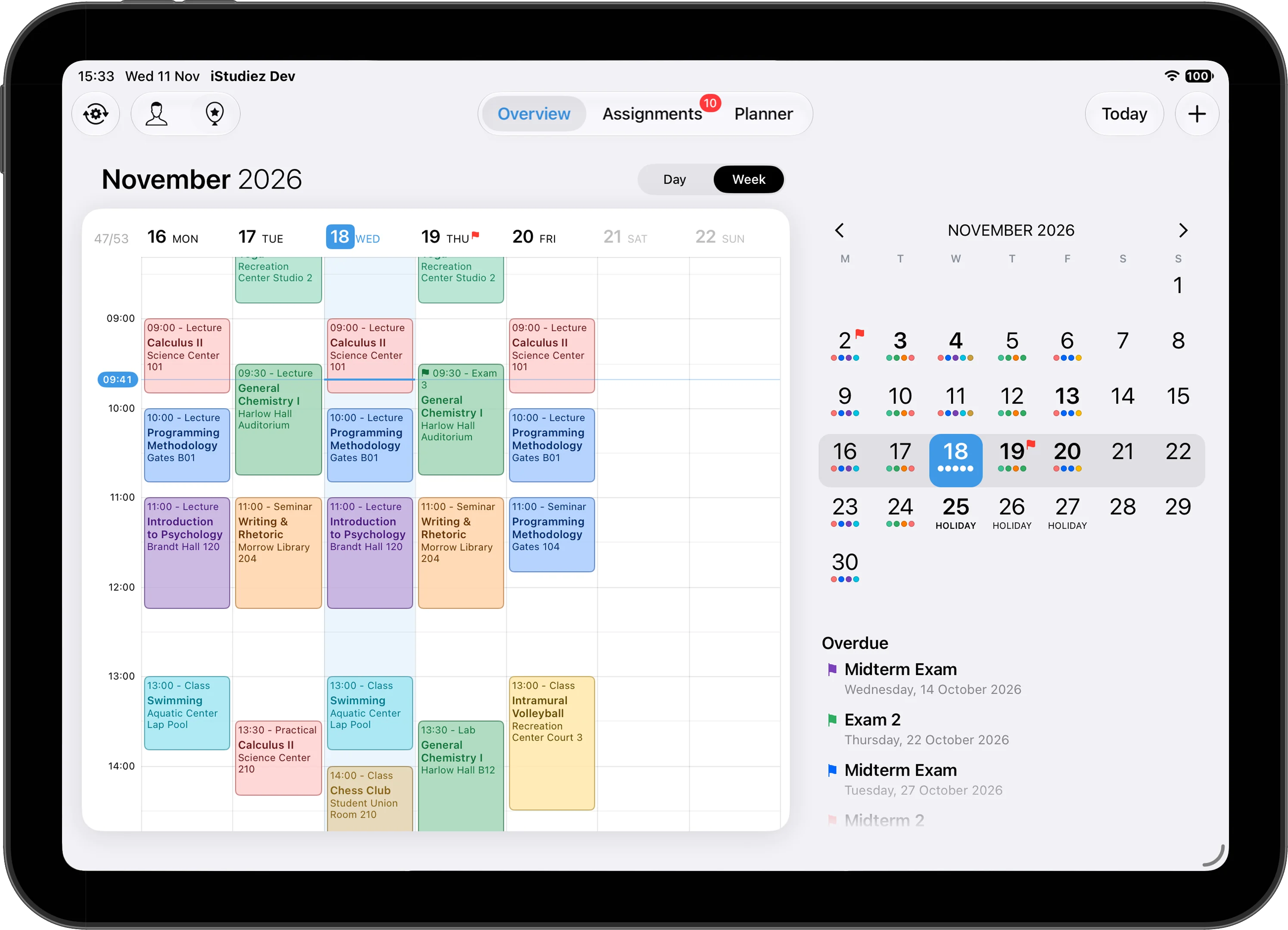
  • Day and Week. See any day in one tap, or your whole week laid out in color.
  • Dots that say a lot. Colored dots in the calendar show your classes; bold dates hide assignments due.
  • Quick edits. Change a class straight from the calendar.
The Today view: Calculus II is on now, Programming Methodology is next, then Introduction to Psychology, Swimming and Chess Club.
Assignments

Homework matters.

Get in control of your homework before it takes control of you. Every assignment, by course and due date, in one list.

  • Sort it your way. By due date, course or priority.
  • Done is done. Tick assignments off in the app, or right from the widget.
  • Grades included. Record the mark you got when you finish.
The assignments list, grouped by course: two essays for Writing & Rhetoric, a lab report and two homeworks for General Chemistry, and a reading for Introduction to Psychology, each with its due date.
Planner

The most perfect planner you ever saw.

Planner is where your schedule starts. Semesters, courses, classes and exams, with locations and instructors. Good planning is halfway to good grades.

  • Any timetable. Weekly, every other week, every few days or every few working days.
  • Holidays handled. Add a holiday and your rotation shifts after it.
  • People too. Instructors with their contacts and office hours, and the classmates you work with.
  • Grades and GPA. Percents, points or letters, weighted the way your course does it, with your school’s own GPA scale and a graph of how each course is going.
A course in Planner: General Chemistry I with its grade trend, a lecture and a lab with their days, times, instructors and rooms, and Exam 1.
Reminders, widgets and Apple Watch

You’re notified, and you’re on time.

Your next class and what’s due are always a glance away: on the Home Screen, the Lock Screen, the Dynamic Island and your wrist.

Widgets

Today’s classes, assignments due and upcoming exams on the Home Screen and the Lock Screen. Tick off homework right on the widget.

Live Activity

The class in progress with a countdown, and the next one, on the Lock Screen and in the Dynamic Island.

Notifications

Before classes, assignment deadlines and exams, timed the way you like. The app icon badge counts what’s due.

Apple Watch

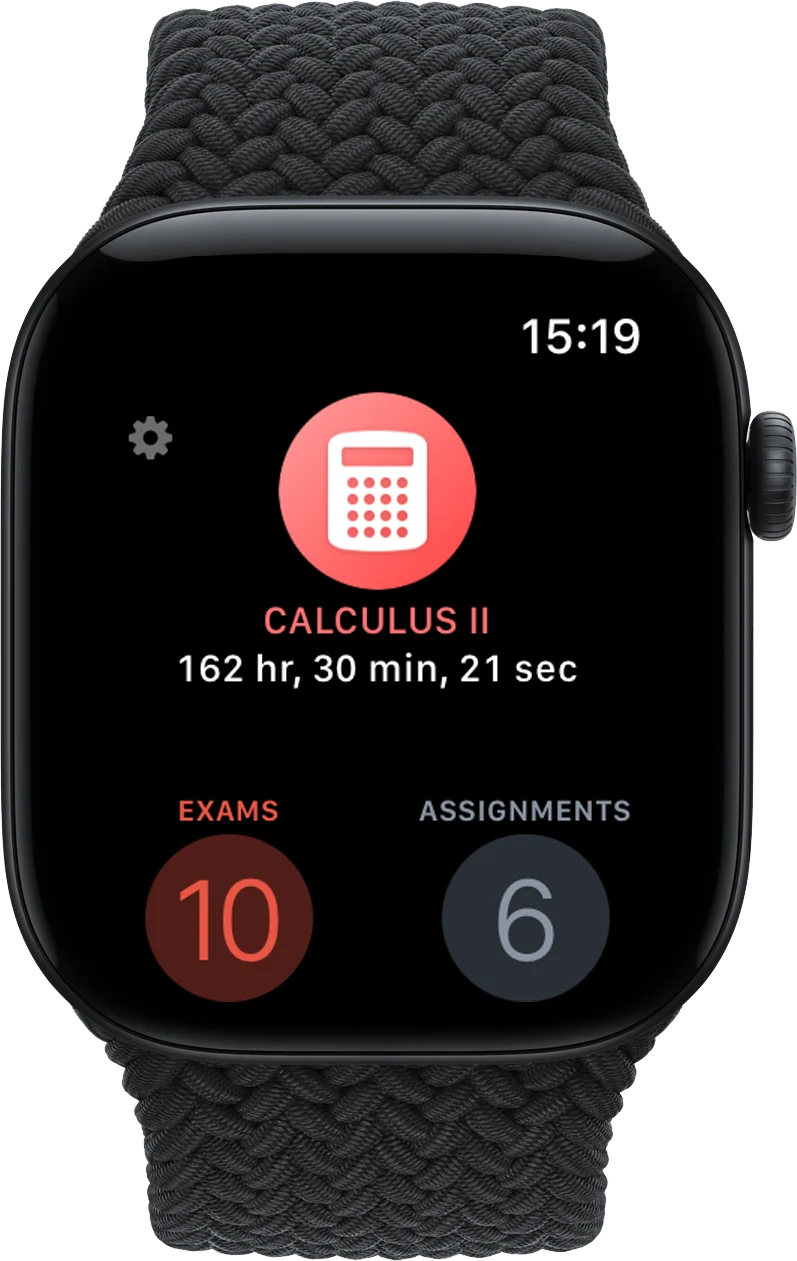
How much of the class is left and what’s next, on your wrist and on your watch face.

Calendar

Two-way integration with the Calendar app.

See your calendar events in iStudiez Pro, next to your classes. Want your schedule in another calendar app, or with your mates? Easy.

  • Calendar events inside. View an event’s details, repeats, alerts and invitees, and edit it without leaving the app.
  • Schedule Sharing. Subscribe to your iStudiez Pro schedule in Calendar, Google Calendar or any calendar app, or send the link to a friend. It stays up to date as you edit.

How to set up calendar integration →

The Calendar app on an iPad, showing Wednesday with the iStudiez Pro classes as events, and the details of Calculus II on the right.
Cloud Sync

Input once. Have it everywhere.

iStudiez Pro works fully on its own, with no account. Turn on Cloud Sync and the same planner is on your iPhone, iPad and Mac, kept up to date in the background.

iPhone iPad Mac Apple Watch
iStudiez Pro on an iPhone Duo: today's classes on the left page and the calendar on the right.

Get organized for the semester.

One app for iPhone, iPad, Mac and Apple Watch.
Download on the App Store